Survival Log Hotkeys and Settings
Learn binds from your build -- do not memorize a guessed wiki table.
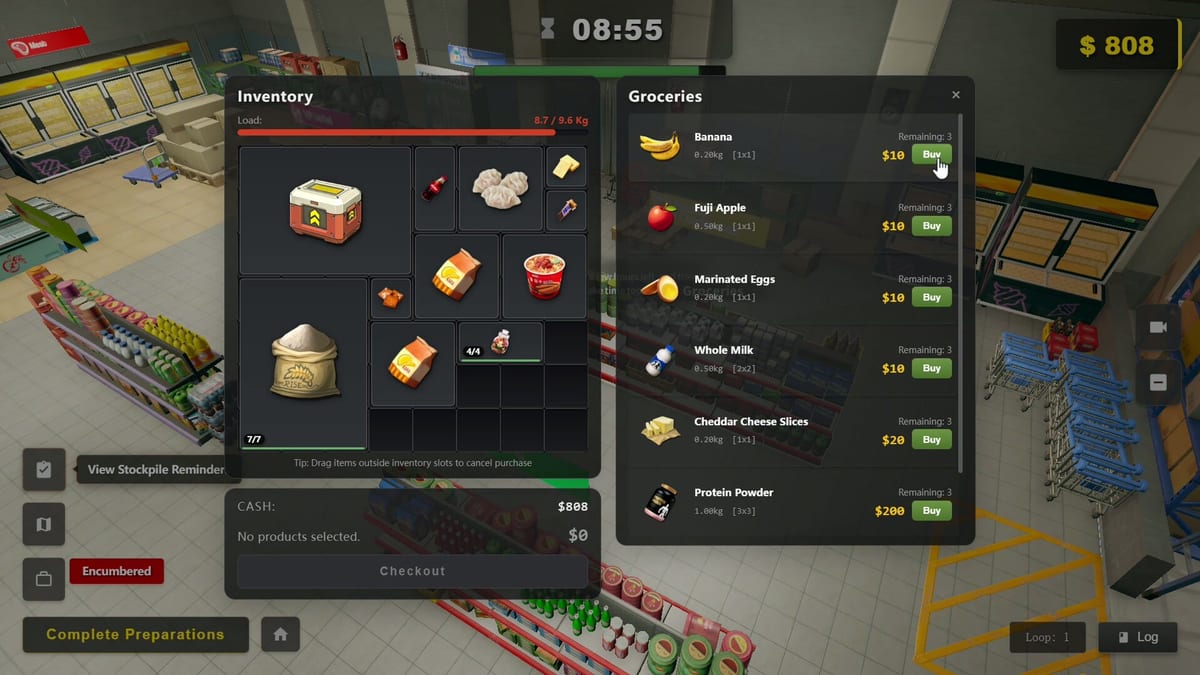
Survival Log does not ask you to memorize a fantasy MMO keybind grid before you are allowed to board a window. Still, controls literacy decides whether a night defense stays calm. This page explains how to approach Settings hotkeys, where tutorials teach map / cooking / exploration interactions, how interaction priority works when multiple prompts overlap, and why this wiki will not invent a fake key list. Check the in-game Settings screen on your build — bindings can change across the live Steam demo and the August 12, 2026 release from Midnight Workshop and Lilith Games.
Start in Settings, not in a wiki myth
Open Settings and photograph or note your current hotkeys. August 13 enabled custom key binding for most operation keys, with Reset restoring defaults. August 15 added Auto Slow-Down on the leftmost speed control (default ~, shows “Relaxed” when idle, returns to normal when you issue a command). Pause on 4 now shows a notification bar. After you click an interactable, E searches and opens inventory; E again picks up all. Z hides the post-disaster Resource Scavenging rail. Right-click quick-transfers in Inventory, Trading, Cooking Station, Fermentation Barrel, Generator, Workbench, and Mouse Cage. Revisit after Launch Week Patches. Do not trust memory from a YouTube overlay filmed on an older build.
The Controls Hub covers broader interaction philosophy. This page is the hotkey and tutorial checklist.
Tutorials for map, cooking, and exploration
Expect guided prompts when you first touch major loops:
- Map / city outing flow pairs with How to Explore and Exploration Sites.
- Cooking prompts pair with Cooking and Farming and Cooking Space.
- Exploration risk teaching pairs with Exploration Risk.
Finish the tutorial beats once, then repeat the actions without the highlighter. Tutorials are training wheels; Planning Points days are exams (Time Loop and Planning Points).
Interaction priority
When several interactables overlap — generator switch, trap reset, door board, cooking station — the game has to pick a prompt. Your job is camera discipline and stance: face the object you mean, clear clutter lanes in Floor Layout, and avoid dumping crates on critical switches (clerk lesson in Warehouse Clerk). If Smart Actions are walking a chore (Smart Actions), wait before yanking the camera into a second interaction.
Priority mistakes look like “I meant the door” moments during How to Defend. Slow down one breath; wrong interacts are worse than late interacts.
Why there is no invented key table here
Publishing a guessed WASD-plus-myth table would create wrong muscle memory across locales and patch rebinds. The authoritative list is Settings on your client. Use this page as a process:
- Open Settings hotkeys.
- Bind interact, cancel, inventory/map equivalents, and flashlight-related controls to reachable keys if present.
- Run a dry-fire drill in a safe morning: open map, cook, place or reset one trap, board one window.
- Only then take a city loop.
Session setup that acts like a hotkey
- UI scale high enough to read electricity panel numbers (Power Grid).
- Second monitor for Day Planner or Stockpile Planner if you want fewer Alt-Tab accidents.
- Controller versus keyboard: pick one for night defense week; hybrid confusion is a wipe pattern.
Demo drill
Spend ten real minutes only on Settings and tutorial rooms before shopping. Then play one stockpile day from How to Stockpile. If a prompt still surprises you, rewrite the bind, do not blame zombies. Controls mastery is quiet; you notice it when nothing dramatic happens at the door.
Frequently Asked Questions
Quick answers to the most common survivor questions.
Why does this page not list every default key?
Bindings can change across demo patches and locales. The authoritative list is the Settings screen on your installed build.
What tutorials should I finish first?
Map/city outing, cooking, and exploration teaching beats. Then repeat those actions without relying on highlighter prompts.
What is interaction priority?
When multiple interactables overlap, face the object you mean and keep lanes clear so prompts do not steal critical door or generator actions.
Should I rebind keys for night defense?
Yes if any panic action requires a finger stretch. Change binds in a calm morning, then dry-fire before dusk.
What else improves control comfort?
UI scale for panel readability, a consistent input device for defense week, and optional second-screen planners.