Survival Log Tools Hub
Interactive planners for calmer stockpile and schedule decisions.
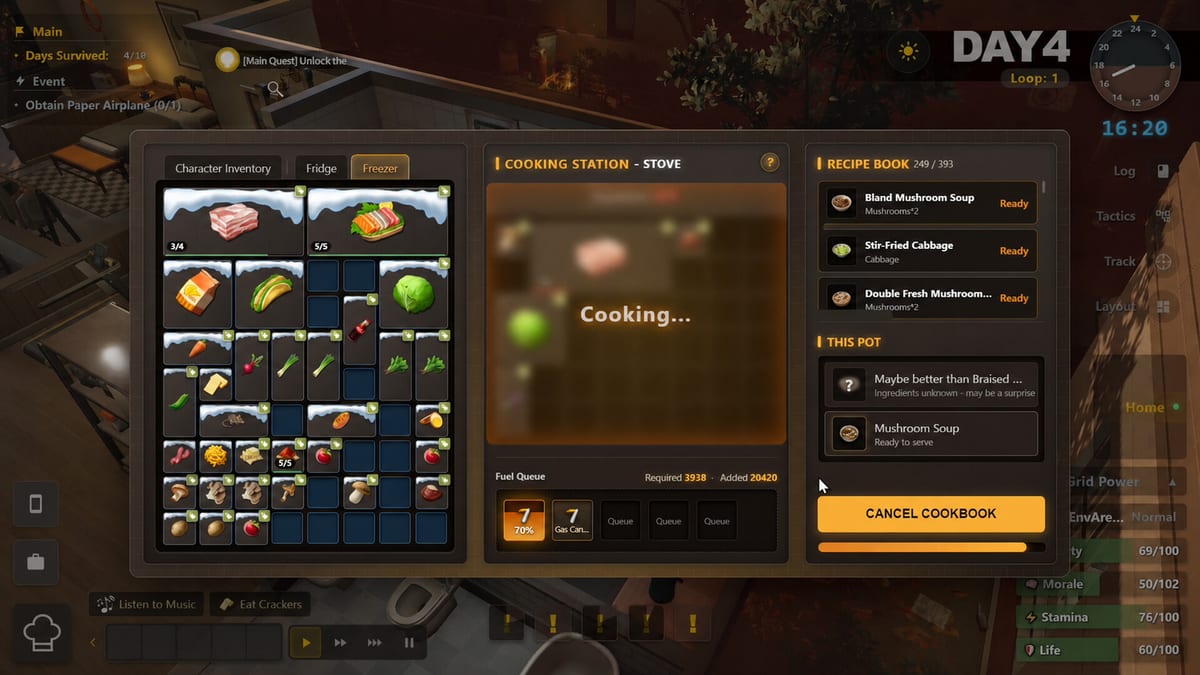
The Tools Hub collects interactive helpers for Survival Log players who want structure beside the prose guides. These tools do not replace judgment. They externalize memory so Planning Points go toward smarter actions during the live demo and into the 2026 full release.
Stockpile Planner
Open the Stockpile Planner when your shelves look busy but your gut says something critical is missing. Use it with Food and Water, Fuel and Power Gear, and Furniture and Appliances so categories stay balanced.
Day Planner
The Day Planner is for scheduling a single in-game day around Planning Points. Combine it with Time Loop and Planning Points and How to Explore when you keep ending days half-finished.
How tools fit the wiki
Guides teach judgment. Hubs teach navigation. Tools teach repetition. If a tool recommendation conflicts with a sudden breach, defense wins. If morale is collapsing, cook first, then return to planners. Link outs to Guides Hub and Systems Hub keep the toys honest.
Suggested workflow
- Skim Priority Checklist.
- Mark gaps in the Stockpile Planner.
- Assign the next day in the Day Planner.
- Execute in the demo.
- Note failures beside Hunger, Stamina, and Morale or Power Grid.
After launch
When Survival Log leaves demo constraints on 2026-08-12, keep using the same planners with expanded catalogs. Tools age better than screenshots because they encode priorities, not exact SKUs.
Tools after theory
Open tools only after you can name why a checkbox matters. Otherwise you will green-box lies. Read Priority Checklist and Time Loop and Planning Points first. Then let planners keep you honest when memory fades mid-week.
Two-tool handshake
Stockpile Planner names gaps. Day Planner schedules the fix. If you only use one, you either know what is wrong but never schedule it, or you schedule busywork that does not fix shelves. The Tools Hub is small on purpose. Master both pages deeply instead of wishing for more gadgets.
Emergency rule
When the house is screaming, close tools. Board, refuel, cook, breathe. Reopen planners at dawn. Digital checklists are for calm logistics, not for negotiating with a breach.
Takeaway for Tools Hub
Before you close this tools page (tools), write one Steam-demo action that only this article justifies. Spend Planning Points on that action alone, then score dusk by meters and doors. If Midnight Workshop or Lilith Games patch the related system, re-open this URL first — not a random sibling — so the lesson stays attached to Tools Hub instead of dissolving into generic prep advice.
Frequently Asked Questions
Quick answers to the most common survivor questions.
Do the tools save to the cloud?
Treat them as session helpers inside the wiki page. Copy important notes into your own doc if you need persistence.
Which tool should beginners open first?
Stockpile Planner if shelves are the problem, Day Planner if time management is the problem.
Can tools replace guides?
No. Use Getting Started and system pages to understand why a checkbox matters.
Are tools mobile friendly?
They are designed for clarity beside gameplay; a second monitor or split window is ideal.